How We Made CV Processing 6x Faster (And Why It Matters for Busy Recruiters)
We rebuilt Tlntly from the ground up.
The old system worked, but it did not scale. Uploading ten resumes meant waiting. The interface locked while processing.
That is gone.
What Changed
Everything now runs in the background. Drop your files, get a confirmation, keep working. Browse candidates, edit vacancies, do whatever you need. Processing happens without blocking you.
The numbers speak for themselves:
| Before | After |
|---|---|
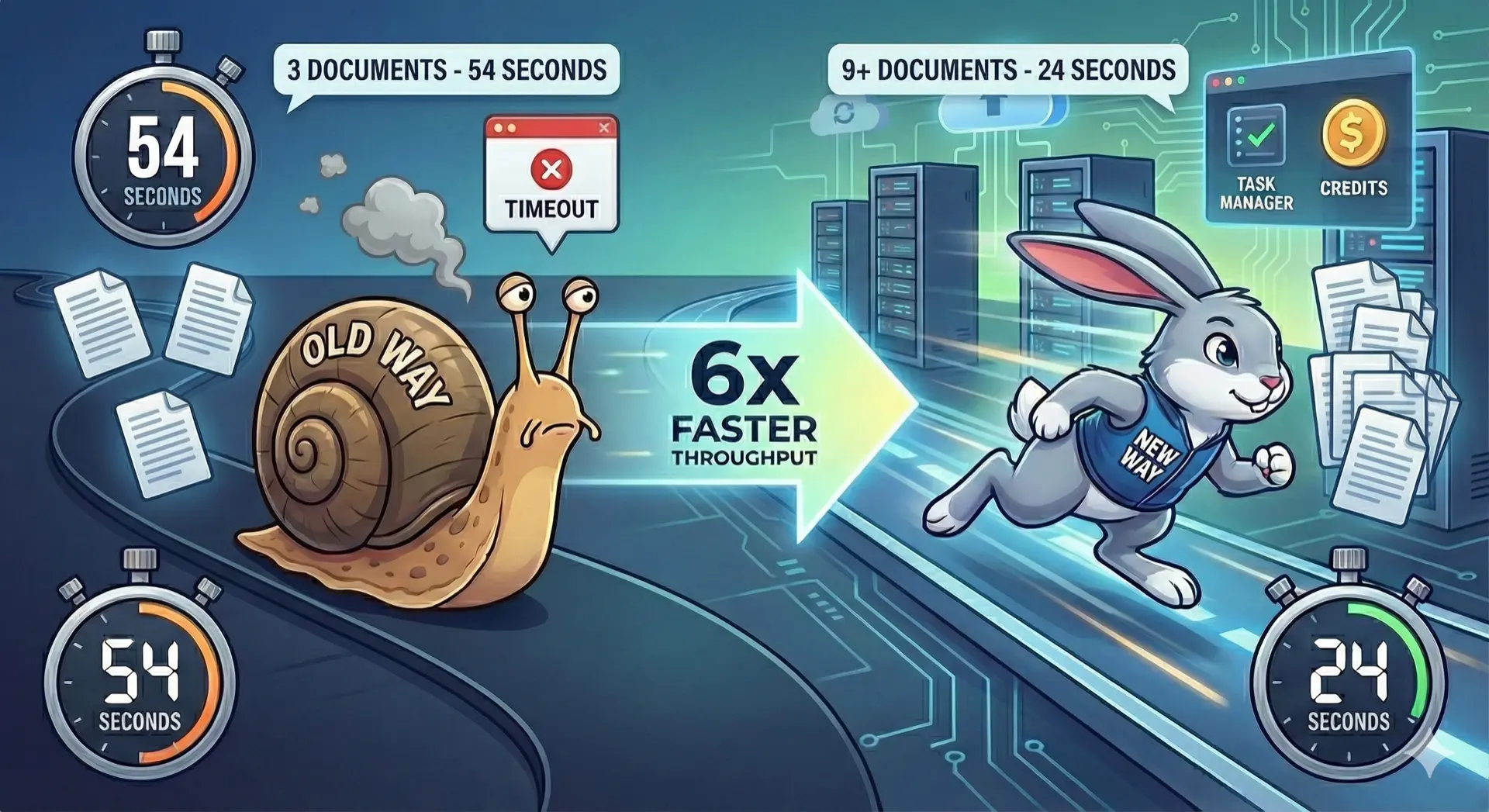
| 3 resumes in 54 seconds | 9 resumes in 24 seconds |
6x faster throughput. Tasks run in parallel.
Task Manager
New Task Manager button in the interface. Click it to see every running, completed, or failed task.
Each task shows:
- Task name and timestamp
- Progress percentage while running
- Status badge (queued, executing, completed, failed)
- Cancel button for running tasks
When something fails, the Task Manager opens automatically.
New Usage Model
The old system counted uploads. One resume upload, one credit. Simple, but unfair.
A two-page resume costs the same AI resources as a ten-page resume? A quick parse versus a full tailoring job? That made no sense.
Now we track tokens. Tokens measure actual AI usage: how much text goes in, how much comes out. A simple operation costs less. A complex one costs more. You pay for what you use.
This is fairer for everyone. Light users are not subsidizing heavy users.
Failed tasks do not consume tokens. If something breaks, you do not pay for it.
Paid plans reset monthly.
Related reading:
On this page