Best CV Formatting Tools for Recruiters in 2026: An Honest Comparison
I build one of these tools. So yes, I'm biased.
But I also talk to recruiters every week who ask the same question: "Which CV formatting tool should I pick?" Most comparison posts come from the tool that wants to win. I figured I'd write one that actually helps you decide, even if the answer isn't Tlntly.
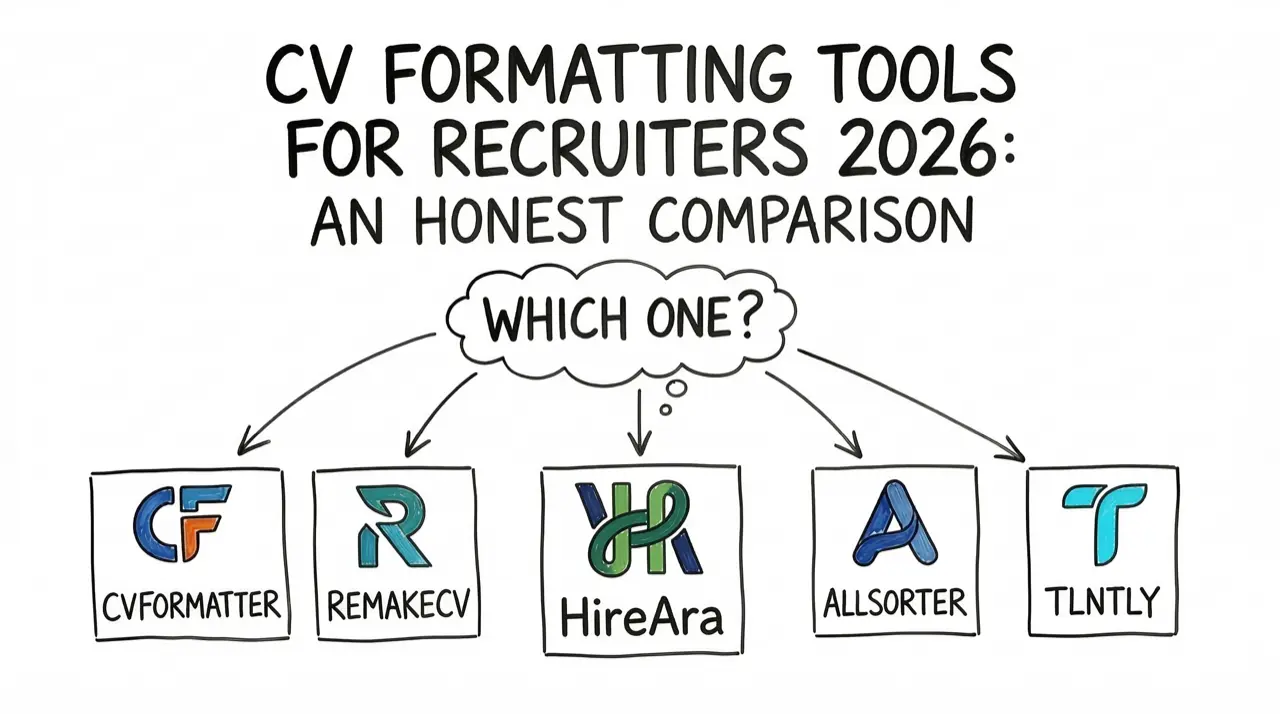
I looked at five tools: CVFormatter, RemakeCV, HireAra, Allsorter, and Tlntly. I checked their pricing pages, tested their free tiers where available, and read their docs.
Here's what I found.
TL;DR — RemakeCV for bulk + ATS. Allsorter for Bullhorn/Salesforce. HireAra for client analytics. CVFormatter for template control. Tlntly for AI depth + lowest per-candidate price. Full breakdown below.
The five tools at a glance
| Tool | Starting price | CVs included | Free tier | ATS integration |
|---|---|---|---|---|
| RemakeCV | $25/user/mo | 30/mo | Trial only | Yes |
| Tlntly | €29/mo (annual) | 100 candidates | Yes (10 candidates) | No |
| CVFormatter | $79/mo | 100 CVs | Yes (5 credits) | No |
| HireAra | £180/mo | 125 CVs | No | Yes |
| Allsorter | Custom | Custom | No | Yes |
That's up to a 7x price difference for the same core job: turning a messy CV into a branded PDF.
Pricing breakdown
RemakeCV starts at $25 per user per month, billed annually, for 30 CVs. That's roughly $0.83 per CV. Need more volume? You add more user seats. Annual plans come with a 60-day money-back guarantee.
Tlntly costs €29/month (annual) or €39 monthly for 100 candidates with unlimited PDF exports. That works out to about €0.29 per candidate. The free tier gives you 10 candidates and 5 exports, no credit card required.
CVFormatter starts at $79/month for 100 resume credits. Enhancement credits (AI summaries, rewrites) cost extra: $14.99 for 50 or $24.99 for 100. Custom templates cost $49 each on top. Annual billing saves 20%.
HireAra charges £180/month for up to 125 CVs. No free trial. They base pricing on candidates you send out. Fair if you submit a few per month. Expensive if you don't.
Allsorter doesn't publish pricing. You request a quote. They offer Elite and Enterprise tiers. If you want transparent pricing before a sales call, look elsewhere.
What each tool does best
Every tool formats CVs. That's the baseline. Here's where they actually differ.
CVFormatter: template variety and multilingual
CVFormatter gives you the most template options out of the box. You control fonts, colors, layouts, date formats, and logo placement down to the pixel. Their multilingual formatting handles non-English CVs well.
Best for: Agencies that need pixel-perfect template control across multiple languages.
Watch out for: AI features cost extra credits. No ATS integration. Custom templates have a $49 setup fee.
RemakeCV: bulk processing and integrations
RemakeCV processes up to 5 CVs at once and integrates with Manatal, JobAdder, Vincere, and RecruitCRM. They offer a zero data retention policy, which matters for compliance. Contact information redaction comes built in on all plans.
Best for: Agencies with high volume and an existing ATS workflow.
Watch out for: 30 CVs per month on the base plan is tight for busy desks. You'll need multiple user seats for real volume.
HireAra: candidate landing pages
HireAra stands out with candidate landing pages. Instead of just a PDF, you get a hosted web page for each candidate with view analytics. You see whether a client opened the submission and how long they spent on it.
Best for: Agencies that want insight into client engagement beyond "I sent the CV."
Watch out for: No free trial. £180/month is the steepest entry point on this list. Some users report a learning curve.
Allsorter: the ATS ecosystem play
Allsorter plugs into Bullhorn, Vincere, and Salesforce. If your entire workflow lives in one of those systems, Allsorter formats CVs without pulling you out. They claim up to 85% time savings and 6x ROI.
Best for: Teams that run everything through Bullhorn or Salesforce and need formatting inside that workflow.
Watch out for: No public pricing. AI features sit behind premium tiers. Customization options are more limited than standalone tools.
Tlntly: AI depth and vacancy matching
This is the tool I build. Let me be specific about what it does and where it falls short.
Best for: Agencies that want full control over how AI writes CVs, with vacancy matching and motivation letters built in. Lowest per-candidate price on this list.
Watch out for: No ATS integration. Two templates only. PDF export only — no DOCX.
Where Tlntly goes deeper on AI
Most tools offer "AI formatting." You upload a CV, get a clean output. That's table stakes now.
What none of the others give you is control over how the AI writes.
Writing control
3-level instruction hierarchy. Set your default AI behavior at the account level. Override it per vacancy. Override again for a single candidate. Your instructions cascade down. Configure once, adjust only when you need to.
8 tones of voice. Casual, confident, creative, enthusiastic, formal, friendly, professional, or automatic. Match the CV's tone to your client's company culture.
7 structure styles. Bullets, narrative, achievement-focused, chronological, concise, descriptive, or automatic. You pick how the CV reads, not just how it looks.
Section templates. Define exactly how About Me, Experience, Education, Skills, and Certifications should read. The AI follows your format precisely. Leave a section blank and it uses smart defaults.
Custom prompts at every level. Free-text instructions like "Focus on leadership experience" or "Emphasize cloud certifications." No character limits. No extra cost.
Generation and matching
AI translation. English to Dutch and back, built into every plan.
Vacancy matching and scoring. Upload a job description. Tlntly scores your candidates against the requirements and ranks them by fit. No other formatting tool on this list does this.
One-click motivation letters. A cover letter tailored to both the candidate and the vacancy. One button.
The result: every CV reads like your best recruiter wrote it, in the exact style your client expects.
Where Tlntly falls short
I could skip this part. Every other comparison post does. But you'll find out anyway, so here it is.
- No ATS integration. If your workflow lives in Bullhorn, Vincere, or Salesforce, you export and upload manually. This is on the roadmap, but it's not coming soon.
- Two layout templates. Classic (single column) and Modern (two-column header). CVFormatter and HireAra offer more variety.
- PDF export only. No DOCX. If your clients require Word files, you must use an external PDF to Word tool.
Full feature comparison
| Feature | CVFormatter | RemakeCV | HireAra | Allsorter | Tlntly |
|---|---|---|---|---|---|
| AI CV parsing | Yes | Yes | Yes | Yes | Yes |
| Branded templates | Yes | Yes | Yes | Yes | Yes |
| Anonymization | Manual | Yes | Yes | Unclear | Yes |
| AI summaries/rewrites | Credits | Yes | Yes | Premium | Yes |
| Tone of voice control | No | No | No | No | 8 options |
| Structure style control | No | No | No | No | 7 options |
| Custom AI prompts | No | No | No | No | 3 levels |
| Section templates | No | No | No | No | Yes |
| Vacancy matching | No | No | No | No | Yes |
| Motivation letters | No | No | No | No | Yes |
| AI translation | Yes | No | No | No | Yes (EN/NL) |
| ATS integration | No | Yes | Yes | Yes | No |
| Bulk processing | No | Yes | No | Yes | No |
| Candidate landing pages | No | No | Yes | No | No |
| DOCX export | No | Yes | Yes | Yes | No |
| Free tier | 5 credits | Trial | No | No | 10 candidates |
At a glance: Tlntly is the only tool with tone control, structure styles, custom prompts, vacancy matching, and motivation letters. The trade-off: no ATS integration and no DOCX export.
Which tool should you pick?
Skip the feature matrix. Here's the honest version.
Your workflow lives in Bullhorn or Salesforce. Pick Allsorter. The integration alone saves more time than any feature difference. RemakeCV is a strong second if you use Vincere or JobAdder.
You need to see if clients read your submissions. Pick HireAra. The landing page analytics are unique. No other tool gives you that data.
You care most about template control and multilingual support. Pick CVFormatter. They have the most template flexibility and handle non-English CVs well.
You want AI that adapts to each client and vacancy. Pick Tlntly. The instruction hierarchy, tone control, structure styles, and vacancy matching don't exist in the other tools. You also get the lowest price per candidate.
You process high volumes and want the simplest tool. Pick RemakeCV. Bulk upload, fast output, zero data retention.
A note on why I wrote this
Every "comparison" I found online came from one of these tools trying to outrank the others. That's fine for SEO. But it doesn't help you choose.
I tried to be fair. I pointed out where competitors beat Tlntly because you need accurate information to make a good decision. If I got something wrong about another tool, I'll update this post. Tell me.
The recruitment software market is full of tools that share 80% of the same features. The 20% that differs is what matters for your specific workflow. I hope this helps you find that fit.
Related reading:
- How AI CV tailoring helps match candidates to jobs faster
- Set default AI instructions so you stop repeating yourself
- Two CV templates: pick a layout that fits your agency
Want to test the AI yourself? Start free with 10 candidates, no credit card.
On this page